

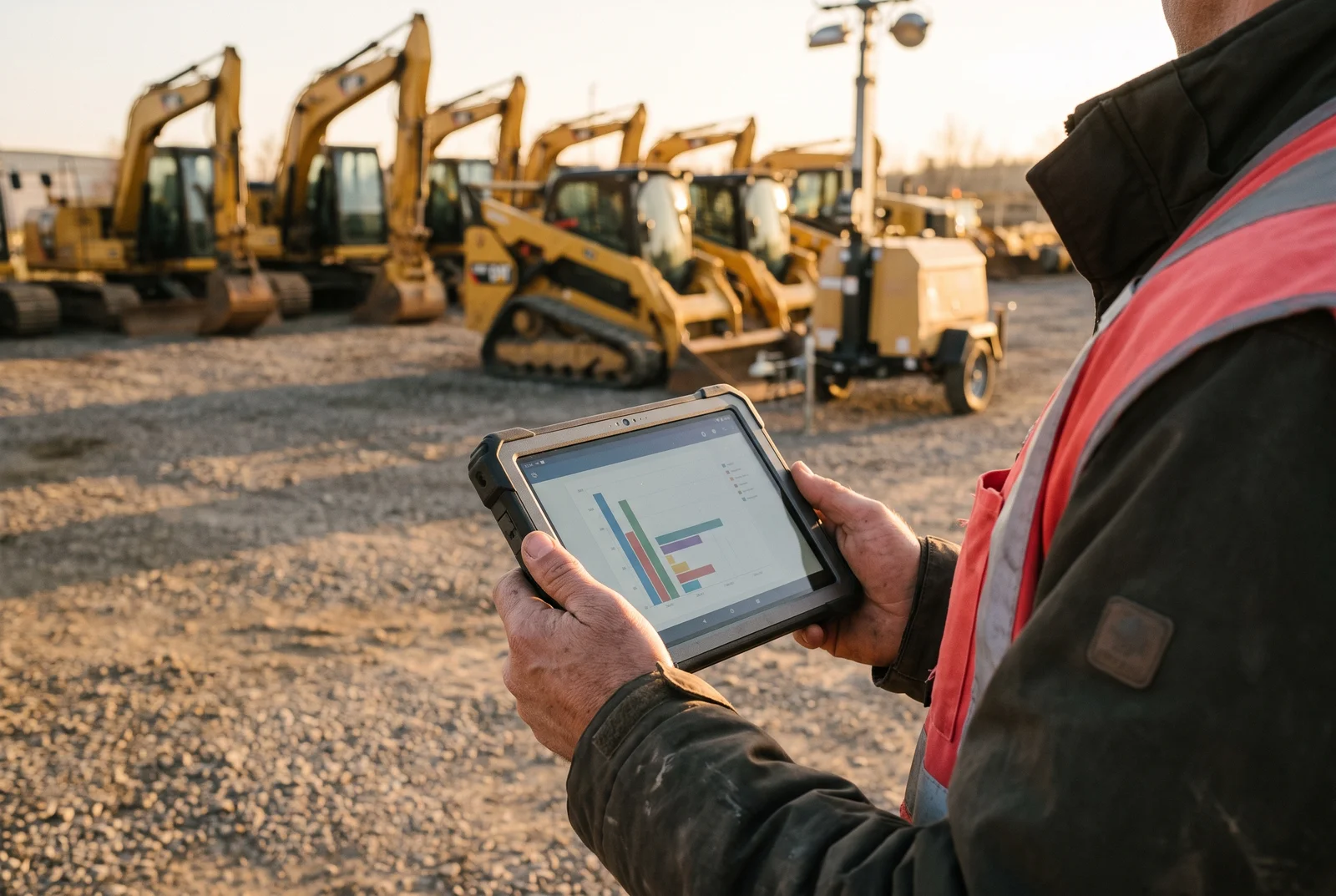
An equipment utilization report measures available hours against actual operating hours, asset by asset. It shows which machines earn their keep and which ones sit parked. GPX Intelligence fills that report automatically with motion data, engine hours, and multi-network connectivity instead of spreadsheets.
The money at stake is real. McKinsey Global Institute research on construction productivity found that large projects typically run about 20 percent longer than scheduled and up to 80 percent over budget. Allocation calls made on stale paperwork sit inside those overruns.
Rental spend tells the same story. Rentals make sense when you need capacity you do not own. Paying a day rate for a skid steer while three company-owned skid steers sit at a finished site does not.
Where Equipment Utilization Breaks Down
Manual Equipment Tracking Workflows Arrive Too Late
Operations teams still send people to read hour meters and collect paper logs across multiple sites. Field crews submit usage data late, so the office decides with last week’s numbers.
By the time a manager learns a backhoe has not moved in ten days, the project already paid for that parking spot. Manual entry also adds transcription errors that skew the final percentages.
Site Hoarding Creates Artificial Shortages
Superintendents hold machinery “just in case,” which starves other crews. One site parks a bulldozer for three weeks while another misses a deadline for lack of earthmoving capacity.
Leadership cannot reallocate what it cannot see. Movement and runtime data settle that argument in minutes.
Rental Bloat Eats the Margin
When crews cannot locate owned assets, they rent replacements. Cross-renting drives up project cost and shrinks margin on work you already bid.
One trusted record of owned inventory stops that reflex. The record starts with a utilization report.
Unplanned Maintenance Downtime Distorts Available Hours
Available Hours assume a machine is ready to work. A hydraulic failure on Tuesday removes two shifts from that column, and nobody updates the spreadsheet. The report then reads as an operator problem when the real cause sat in the shop.
Predictive asset maintenance scheduled on real runtime instead of calendar guesses keeps the available-hours column honest and pushes service windows off your production days.
Off-Hours Use and Theft Skew the Numbers
Equipment that moves at 2 a.m. on a Sunday still burns fuel and still adds hours to the meter. Unauthorized weekend use inflates runtime, hides wear, and makes a low-value assignment look productive.
Theft does the opposite: the unit disappears while the report keeps counting it as available capacity. Geofence and motion alerts separate billable work from activity nobody authorized.
How to Calculate Equipment Utilization
The formula is simple. Divide hours used by hours available, then multiply by 100.
Take an excavator scheduled for 40 available hours in a week. The meter shows 24 engine hours. Divide 24 by 40 for 0.60, multiply by 100, and the asset ran at 60 percent utilization.
Run that math across the fleet and the outliers appear immediately. The 95 percent units justify more capacity. The 10 percent units belong on another site or on a sale list.
Free Equipment Utilization Report Template
Copy this structure into your spreadsheet or work order system. These nine columns carry everything a weekly utilization review needs.
| Asset ID | Equipment Type | Current Site | Available Hours | Hours Used | Idle Hours | Utilization % | Last Moved | Notes |
|---|---|---|---|---|---|---|---|---|
| EX-405 | Excavator | Site Alpha | 40 | 24 | 16 | 60% | Oct 12 | Routine maintenance due |
| SS-102 | Skid Steer | Site Alpha | 40 | 38 | 2 | 95% | Oct 14 | High priority demand |
| LT-055 | Light Tower | Site Bravo | 60 | 15 | 45 | 25% | Oct 01 | Consider returning |
| GN-220 | Generator | Yard | 40 | 0 | 40 | 0% | Sep 28 | Ready for deployment |
| FL-809 | Forklift | Warehouse 3 | 80 | 60 | 20 | 75% | Oct 13 | Operating normally |
Understanding Your Report Data
Asset ID and Equipment Type keep you tracking individual units instead of broad categories. Current Site shows geographic spread, which drives hauling and logistics decisions.
Available Hours reflect your shift schedule. Hours Used records real runtime, and Idle Hours expose the gap between the two. Utilization percent is the benchmark, and Last Moved flags machines forgotten on a finished job.
Reporting cadence decides how fast you react. Monthly reviews answer fleet sizing and capital questions. Active job sites need a weekly review to catch hoarding, shift units before a project stalls, and kill a rental before the next invoice.
Turning Report Metrics Into Action
Data earns nothing until it moves a machine. A low utilization rate flags a unit for review that same week, and the fix is often a haul ticket to a crew running behind schedule. Reallocation buys capacity without new capital.
Repeat offenders need a decision, not another review. When a unit posts low utilization month after month, return it if rented and sell it if owned. That is heavy equipment ROI analysis in its simplest form, and liquidating parked assets frees maintenance budget and yard space.
The biggest win is quieter: you stop renting what you already own. A superintendent asks for a scissor lift, you check the report, find an idle lift 12 miles away, and dispatch it.
How Asset Tracking Automates Your Utilization Report
GPS Location and Movement
The GPX platform logs coordinates for every machine in the fleet. Asset tracking devices update a central dashboard continuously, so site visits stop being your data source.
Arrival and departure times post themselves. You never call a site manager to confirm that a unit showed up.
Engine and Motion Hours
Motion and vibration sensors capture runtime without anyone reading a dial. The sensors detect when a machine powers on and works, and that runtime feeds the Hours Used column directly.
Your utilization math then rests on hard data instead of optimistic field estimates. GPX is platform-agnostic, so telematics data integration with your ERP, EAM, or work order system keeps one utilization record across the business.
Idle and Dwell Analytics
Dwell analytics measure how long an asset stays in one place without working. GPX flags every unit that passes your stationary threshold and sends the alert the same day.
AI-driven equipment monitoring ranks those alerts by cost, so managers stop waiting on a monthly review to discover a high-value machine parked behind a trailer.
Plain-Language Queries With Scout AI
Spreadsheet archaeology wastes time operators do not have. GPX Scout AI answers plain-English questions about your location data.
Ask “Which excavators have been idle more than three days?” and the in-product analyst returns the list. That is what moving beyond dots on a map looks like.
Comparing Equipment Utilization Tracking Options
Buyers shopping for IoT fleet utilization software meet three different product categories. Construction fleet telematics suites, multi-sensor asset platforms, and manual hour meters fill the columns in your report in very different ways.
| Platform | How Runtime Hours Are Captured | Idle and Dwell Alerts | Best For |
|---|---|---|---|
| GPX Intelligence | Motion, vibration, and engine-hour data over cellular, BLE, GPS, satellite, and WiFi positioning | Automated dwell alerts plus Scout AI plain-language queries | Universal asset & fleet tracking across 50+ industries |
| Samsara | OBD-II and engine-bus data on wired vehicles and heavy equipment | Vehicle-centric idling and usage reports | Fleet telematics with dashcams and driver scoring |
| Geotab | Engine-bus telematics on wired vehicle installs | Engine idle reporting | Engine diagnostics and compliance reporting |
| Spreadsheets and hour meters | Manual meter readings typed in by field crews | None | Single-site fleets with a handful of machines |
| Logistimatics | Consumer-grade GPS check-ins | Basic movement alerts | One vehicle or one personal asset |
Understanding the Boundaries of Enterprise Tracking
An enterprise AI-powered asset tracking platform fits operations running multiple high-value units across sites. GPX covers asset intelligence and supply chain visibility for commercial operations.
GPX is not a fleet telematics suite for OBD-II engine diagnostics, and it is not a dashcam vendor for driver-behavior scoring. Those are separate categories with separate buyers.
Scale decides the hardware. For one pickup or a single hobby-grade machine, consumer options such as Bouncie or our sister brand Logistimatics cover the job at a consumer price point. GPX serves B2B fleets, logistics firms, and construction companies tracking dozens or hundreds of distributed assets on multi-year battery life.
What Comes Next: Autonomous Equipment Allocation
Utilization reporting is moving toward agentic asset intelligence. Instead of only flagging an idle excavator, the platform proposes the transfer, the haul window, the service interval, and the cost impact.
Operations leaders are building an autonomous control tower for owned capital, with predictive asset maintenance and allocation running off the same runtime feed. Modern logistics teams treat tracking as an intelligence layer, not a status page.
Three Questions That Settle Your IoT Equipment Utilization Strategy
Three answers decide which setup belongs in your operation, and you can give all three in one meeting.
- How runtime hours reach the report. Field crews reading dials, or sensors writing the Hours Used column themselves.
- How fast idle time surfaces. Same-day dwell alerts move a machine this week; a monthly report tells you what you already lost.
- Whether the numbers leave the platform. Utilization data belongs in the ERP, EAM, or work order system your planners already open.
Basic GPS answers the first question and leaves the other two to your staff. Multi-sensor tracking with multi-network connectivity logs engine hours, flags dwell, and feeds utilization calculations with zero retyping.
Paper logs cost you margin and invite rental bloat nobody budgeted. Talk with our team about the GPX platform and watch your own utilization data land in one dashboard.
When GPX Is Not the Right Fit
GPX fits fleets running 10 or more machines across several sites, where nobody can see every yard at once. If you run a handful of machines from one yard, hour-meter readings and a spreadsheet may be all you need. GPX is also not an OEM telematics or diagnostics suite. If you depend on fault codes and fuel data from the manufacturer, keep that feed and use GPX for location, movement and idle time across the mixed and unpowered assets the OEM systems miss. See how GPX equipment tracking covers both.
Frequently Asked Questions (FAQs)
How often should I review an equipment utilization report?
Review utilization weekly on active job sites. Weekly numbers catch hoarding and artificial shortages while you still have time to move a machine. Monthly reviews work better for fleet sizing, capital planning, and sell-or-keep calls on persistent under-performers.
What is a good equipment utilization rate?
A good rate depends on equipment type, season, and shift schedule. Many fleets set a review trigger at 40 percent and audit anything below it for hoarding, misallocation, or an oversized fleet. Treat that number as your own operating standard rather than a published industry benchmark.
How do GPS asset trackers automate heavy equipment hour meters?
GPS asset trackers use internal accelerometers and vibration sensors to detect motion and engine activity, then sync that runtime to the platform automatically. Heavy equipment hour capture continues with no field crew reading dials and no transcription errors. GPX AssetTag runs on a replaceable battery, so the data keeps posting through a long project.
Why does idle time matter as much as operating time?
Idle time is hidden capacity you already paid for. Spot the machines sitting still and you can redeploy them to crews that need support this week, which stops the next external rental before it starts.
What is the best software for equipment utilization tracking?
The answer depends on what you track. Fleet telematics suites such as Samsara and Geotab win on engine diagnostics for wired vehicles. GPX Intelligence covers mixed fleets of vehicles, powered equipment, attachments, and unpowered assets on one platform, with motion-based hour capture and Scout AI queries. Spreadsheets stay workable only on a single site with a handful of machines.
Can I track mixed fleets of owned and rented equipment?
Yes. Enterprise platforms track owned and rented machines side by side in one report. Tracking rentals matters most at the end of the job: return each unit the day it stops producing and you stop paying overage fees.